
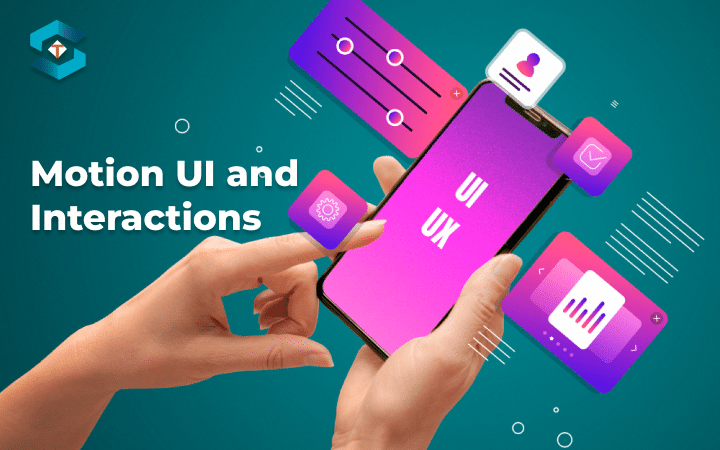
Motion UI and interactions refer to the use of animation, transitions, and other dynamic elements to enhance the user experience in digital interfaces, such as websites and mobile apps. These design elements are crucial for creating engaging, intuitive, and user-friendly experiences. Here’s an overview of motion UI and interactions:
Animation:
Animation can be used to bring elements on a screen to life. This can include subtle animations like fading in content, sliding menus, or more complex animations like parallax scrolling and interactive visual effects. Animation can provide visual cues, guide the user’s attention, and make interactions more visually appealing.
Transitions:
Smooth transitions between different states or screens can make navigation and interaction more intuitive. For example, when transitioning from one page to another in a mobile app, a sliding or fading animation can provide feedback to the user about what’s happening.
Micro-interactions:
Micro-interactions are small, subtle animations or visual responses to user actions. They can be as simple as a button changing color when hovered over, a subtle vibration when a button is pressed, or a confirmation message popping up after a successful action. Micro-interactions enhance the user’s understanding of what’s happening and can make an interface feel more responsive.
Feedback:
Motion can be used to provide feedback to users. For example, when a user submits a form, a motion or animation can indicate that the form is being processed, which reduces user anxiety. Feedback through motion helps users understand the cause and effect of their actions.
Navigation:
Motion can aid in navigation. Animated menus or navigation elements can help users understand the hierarchy of a website or app. Additionally, gesture-based interactions are common in mobile applications, where users can swipe, pinch, or tap to navigate.
Storytelling:
Motion can be used to tell a story or convey information. This is often seen in data visualizations, infographics, or educational apps where motion is used to reveal information in a sequence, making it easier to understand complex concepts.
Engagement:
Motion can add an element of fun and engagement to an interface. Games, for example, rely heavily on motion to make interactions exciting and enjoyable.
Loading Screens:
Motion can be used to entertain or inform users while they wait for content to load. Progress bars, spinners, or animated icons can make the waiting experience more tolerable.
Accessibility:
It’s important to consider how motion may affect users with disabilities. Some users may be sensitive to motion or have conditions that make motion uncomfortable or disorienting. Designers should strive for inclusivity by providing options to disable or reduce motion in such cases.
Performance:
While motion can greatly enhance the user experience, it should be used judiciously. Excessive or poorly optimized animations can slow down an interface and frustrate users. It’s important to balance the benefits of motion with its impact on performance.
In summary, motion UI and interactions are essential components of modern digital design. When used thoughtfully and purposefully, motion can improve user engagement, guide navigation, provide feedback, and make digital experiences and intuitive. However, it’s important to strike a balance between adding motion for user engagement and ensuring that the interface remains performant and accessible to all users.