
Software Development and Web Development

Software development and web development are related but distinct fields within the broader realm of software engineering. Both involve creating applications or systems that function to meet specific requirements, but they differ in terms of focus, technologies, and applications. Software Development: Software development is a broad term that encompasses the entire process of creating software applications. This can include applications that run on various platforms, including desktop, mobile devices, embedded systems, and more. Scope: Software development covers a wide range of applications, from enterprise-level software, mobile apps, desktop applications, video games, embedded systems, and more. It can involve various programming languages and frameworks depending on the specific application. Languages and Technologies: Software development can involve a diverse set of programming languages such as C++, Java, Python, C#, Swift, etc. It often encompasses a variety of technologies and frameworks to build applications for different platforms and purposes. Skill Set: Software developers need a strong foundation in algorithms , data structures, software architecture, databases, and general programming concepts. They should be proficient in the chosen programming languages and have a good understanding of software development methodologies like Agile, Waterfall, etc. Web Development: Web development specifically focuses on building applications that run on web browsers. These applications can range from simple static websites to complex web applications that involve dynamic content, interactivity, and real-time updates. Scope: Web development involves creating websites, web applications, e-commerce platforms, content management systems, social networking sites, and more. It’s a critical component of the modern digital landscape. Languages and Technologies: Web development commonly involves languages like HTML, CSS, and JavaScript for front-end development. For back-end development, languages such as PHP, Python, Ruby, Java, Node.js, etc., are often used. Frameworks like React, Angular, Vue.js, Django, Flask, Express, etc., are popular for building web applications. Skill Set: Web developers need to be proficient in HTML, CSS, and JavaScript for front-end development. They should also have expertise in back-end languages and frameworks, as well as databases. Understanding of web protocols, security, and responsive design is crucial. Key Differences: Scope: Software development is broader and encompasses applications beyond the web, while web development is specifically focused on applications accessible via web browsers. Technologies: Web development heavily relies on web-specific technologies like HTML, CSS, and JavaScript, along with associated frameworks, while software development may involve a more diverse set of technologies depending on the platform and application. Applications: Software development includes a broader range of applications, including desktop applications, mobile apps, embedded systems, and more, whereas web development focuses on online applications accessible via web browsers. In summary, while both software development and web development involve creating applications, they differ in scope, technologies used. Software development is a broader field that covers various types of applications, while web development is a specific subset focused on applications accessible via the web.
Software Development Fundamentals
Software development fundamentals encompass the essential principles, concepts, and practices that are foundational to building high-quality software efficiently and effectively. Mastering these fundamentals is crucial for anyone pursuing a career in software development. Here are some key software development fundamentals: Understanding of Algorithms and Data Structures: Algorithms are step-by-step procedures or formulas for performing tasks or solving problems. Data structures are ways to organize and store data to perform operations efficiently. Understanding algorithms and data structures is fundamental for efficient coding and problem-solving. Programming Languages: Learn one or more programming languages in-depth, including syntax, data types, control structures, functions, and object-oriented programming principles. Understand the strengths and weaknesses of different languages and choose the appropriate language for a given task. Version Control Systems (e.g., Git): Understand version control concepts, branching strategies, and collaboration workflows. Learn to use version control tools like Git to manage code versions, collaborate with a team, and track changes in a project. Software Development Life Cycle (SDLC): Understand the stages of SDLC, including requirements gathering, design, development, testing, deployment, and maintenance. Learn about different SDLC methodologies like Waterfall, Agile, Scrum, and Kanban. Software Testing: Understand testing concepts, types of testing (e.g., unit, integration, system, acceptance), and testing strategies. Learn to write effective test cases and perform testing to ensure software quality. Object-Oriented Programming (OOP): Understand the principles of OOP, such as encapsulation, inheritance, polymorphism, and abstraction. Learn to design and implement software using OOP concepts to enhance code reusability and maintainability. Database Concepts and SQL: Understand fundamental database concepts like tables, relationships, normalization, and indexing. Learn to write and optimize SQL queries for database operations and manipulation. Web Development Fundamentals: Understand web technologies like HTML, CSS, JavaScript, HTTP, and RESTful APIs. Learn how to create web applications, structure web pages, and interact with back-end servers. Agile and Scrum Methodologies: Understand Agile principles and values, iterative development, and customer feedback. Learn about Scrum roles, ceremonies (e.g., daily stand-ups, sprint planning), and artifacts (e.g., product backlog, sprint backlog). Problem-Solving and Debugging: Develop problem-solving skills to break down complex problems into smaller, manageable tasks. Learn effective debugging techniques to identify and fix software bugs. Security Principles: Understand basic security concepts, such as authentication, authorization, encryption, and secure coding practices. Learn to write secure code and protect against common security vulnerabilities. Documentation and Code Comments: Learn the importance of documenting code for future reference, maintenance, and collaboration. Develop the habit of writing clear and concise code comments to explain code functionality. Continuous Integration and Deployment (CI/CD): Understand the principles of CI/CD, automating build and deployment processes, and ensuring code quality through automated testing. These fundamentals provide a strong foundation for software developers and enable them to adapt to new technologies and methodologies as the field of software development continues to evolve.
Software Development Frameworks
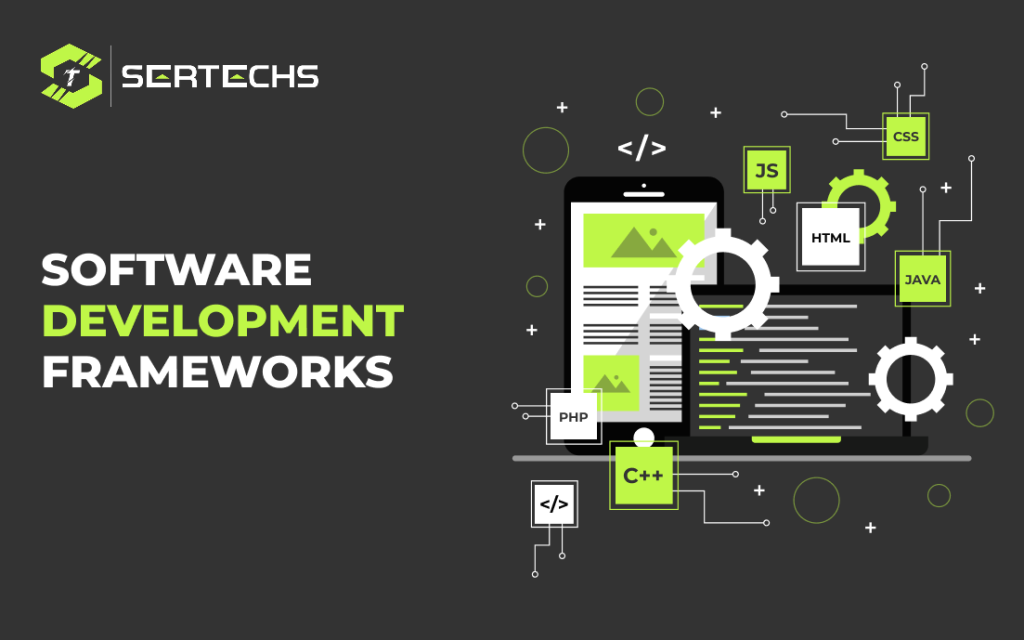
Software development frameworks are pre-built structures or platforms that provide a foundation for developing applications or software. They often include libraries, tools, guidelines, and best practices to streamline the development process, improve efficiency, and enhance code quality. Here are some popular software development frameworks across various programming languages and domains: Web Development Frameworks: ReactJS: A JavaScript library for building user interfaces, maintained by Facebook. Angular: A TypeScript-based framework for building dynamic web applications, maintained by Google. Vue.js: A progressive JavaScript framework for building user interfaces, emphasizing simplicity and flexibility. Django: A Python web framework known for its efficiency, scalability, and security. Ruby on Rails: A Ruby-based framework for building web applications quickly with a convention-over-configuration approach. Mobile Development Frameworks: React Native: A framework for building mobile applications using ReactJS, allowing for cross-platform development (iOS and Android). Flutter: An open-source UI software development toolkit by Google for building natively compiled applications for mobile, web, and desktop from a single codebase. Xamarin: A Microsoft-owned framework for building native iOS, Android, and Windows apps using C# and .NET. Backend Development Frameworks: Express.js: A lightweight and flexible Node.js framework for building web applications and APIs. Spring: A Java-based framework for building robust, scalable, and maintainable enterprise applications. Flask: A lightweight Python framework for building web applications and APIs with minimal setup and easy-to-use features. Game Development Frameworks: Unity: A widely-used game development framework that supports multiple platforms and programming languages, including C# and UnityScript. Unreal Engine: A powerful game development framework that supports high-fidelity graphics and is widely used for creating AAA games. Desktop Application Frameworks: Electron: A framework for building cross-platform desktop applications using web technologies like HTML, CSS, and JavaScript. JavaFX: A Java-based framework for creating desktop applications with rich user interfaces. Machine Learning and Data Science Frameworks: TensorFlow: An open-source machine learning framework developed by Google for building and training various machine learning models. PyTorch: An open-source machine learning framework developed by Facebook’s AI Research lab, widely used for deep learning applications. These frameworks offer different features and advantages, allowing developers to choose the one that best fits their project requirements and expertise.
Federated Learning
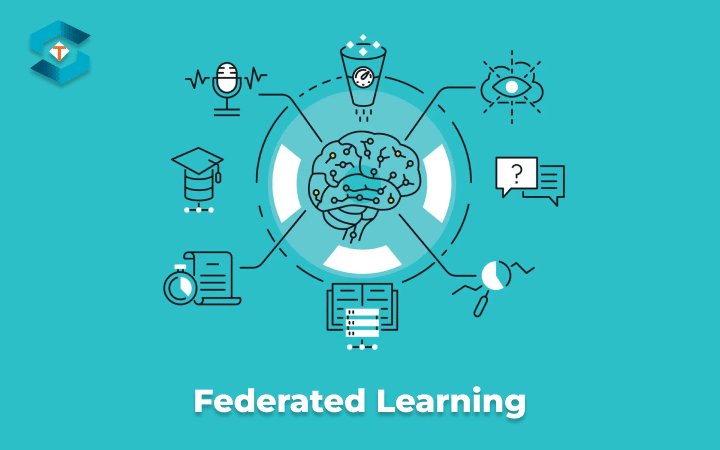
Federated Learning is a machine learning approach that allows a model to be trained across multiple decentralized devices or servers. That hold local data samples, without exchanging them. It enables machine learning models to learn from distributed, sensitive data without moving the data to a centralized server. Instead, the model is sent to the data, where computations take place locally. Only the model updates or aggregates of those updates are transmitted back to a central server or coordinator. Here are the key components and concepts of Federated Learning: Centralized Model Initialization: A global model is initially trained using a small, representative dataset. This model will serve as the starting point for the federated learning process. Local Training: The global model is then sent to participating devices or servers (local nodes) with their respective local datasets. Each node performs training using its local data while keeping the model parameters fixed except for a few customizable layers. This local training process is often several iterations of gradient-based optimization. Model Updates Transmission: After local training, each node sends only the updates of the model parameters back to the central server or coordinator, without sharing the actual data. Aggregation of Model Updates: The central server aggregates the model updates received from various nodes to create a new global model. This aggregation is typically performed by averaging or another aggregation technique. Iterative Process: The updated global model is then sent back to the nodes, and the process iterates. Over multiple rounds, the global model progressively improves by learning from the collective knowledge present in the local datasets. Federated Learning offers several advantages: Privacy-Preserving: Data remains localized, preserving privacy and security. Sensitive data does not need to be transmitted or shared. Efficiency: Federated Learning reduces the need for data to be sent over networks, minimizing bandwidth usage and speeding up the learning process. Decentralization: It allows for training models on devices or servers where data resides, avoiding the need for a centralized data store. Customization: Models can be fine-tuned or customized for specific local conditions, user preferences, or hardware capabilities. However, Federated Learning also presents challenges: Communication Overhead: The process of transmitting model updates back and forth can introduce communication overhead. Heterogeneity: Different nodes may have diverse data distributions and qualities, which can complicate the learning process. Security Risks: The transmission of model updates could potentially be intercepted, posing a security risk. Federated Learning is used in various applications, including mobile devices (improving predictive text, speech recognition), healthcare (analyzing medical records), finance (fraud detection), and more, where data privacy and decentralization are paramount concerns.
Motion UI and interactions

Motion UI and interactions refer to the use of animation, transitions, and other dynamic elements to enhance the user experience in digital interfaces, such as websites and mobile apps. These design elements are crucial for creating engaging, intuitive, and user-friendly experiences. Here’s an overview of motion UI and interactions: Animation: Animation can be used to bring elements on a screen to life. This can include subtle animations like fading in content, sliding menus, or more complex animations like parallax scrolling and interactive visual effects. Animation can provide visual cues, guide the user’s attention, and make interactions more visually appealing. Transitions: Smooth transitions between different states or screens can make navigation and interaction more intuitive. For example, when transitioning from one page to another in a mobile app, a sliding or fading animation can provide feedback to the user about what’s happening. Micro-interactions: Micro-interactions are small, subtle animations or visual responses to user actions. They can be as simple as a button changing color when hovered over, a subtle vibration when a button is pressed, or a confirmation message popping up after a successful action. Micro-interactions enhance the user’s understanding of what’s happening and can make an interface feel more responsive. Feedback: Motion can be used to provide feedback to users. For example, when a user submits a form, a motion or animation can indicate that the form is being processed, which reduces user anxiety. Feedback through motion helps users understand the cause and effect of their actions. Navigation: Motion can aid in navigation. Animated menus or navigation elements can help users understand the hierarchy of a website or app. Additionally, gesture-based interactions are common in mobile applications, where users can swipe, pinch, or tap to navigate. Storytelling: Motion can be used to tell a story or convey information. This is often seen in data visualizations, infographics, or educational apps where motion is used to reveal information in a sequence, making it easier to understand complex concepts. Engagement: Motion can add an element of fun and engagement to an interface. Games, for example, rely heavily on motion to make interactions exciting and enjoyable. Loading Screens: Motion can be used to entertain or inform users while they wait for content to load. Progress bars, spinners, or animated icons can make the waiting experience more tolerable. Accessibility: It’s important to consider how motion may affect users with disabilities. Some users may be sensitive to motion or have conditions that make motion uncomfortable or disorienting. Designers should strive for inclusivity by providing options to disable or reduce motion in such cases. Performance: While motion can greatly enhance the user experience, it should be used judiciously. Excessive or poorly optimized animations can slow down an interface and frustrate users. It’s important to balance the benefits of motion with its impact on performance. In summary, motion UI and interactions are essential components of modern digital design. When used thoughtfully and purposefully, motion can improve user engagement, guide navigation, provide feedback, and make digital experiences and intuitive. However, it’s important to strike a balance between adding motion for user engagement and ensuring that the interface remains performant and accessible to all users.
Web APIs and Integration

Web APIs (Application Programming Interfaces) play a crucial role in enabling communication and integration between different software systems, allowing them to exchange data and functionality. This integration is fundamental for modern web applications, enabling them to connect with various services, platforms, and data sources. Web APIs: An Application Programming Interfaces is a set of rules and tools that allow different software applications to communicate with each other over the internet. It defines the methods and data formats that applications can use to interact with each other. HTTP and RESTful APIs: Web APIs are typically accessed over HTTP (HyperText Transfer Protocol). RESTful APIs adhere to REST principles, which include using standard HTTP methods and following a resource-based URL structure. Data Formats: It use various data formats to represent data, including JSON and XML. JSON has become the de facto standard due to its lightweight, easy-to-read, and easy-to-parse nature. Integration of Web APIs: Consuming APIs: HTTP Requests: Client applications use HTTP requests to interact with the API. These requests are sent to a specific URL, and they may include parameters, headers, and a request body containing data. Authentication: APIs often require authentication to ensure security and access control. Common authentication methods include API keys, OAuth tokens, and JWT (JSON Web Tokens). Handling Responses: API responses typically contain the requested data in the specified data format (e.g., JSON). The client application parses this data and uses it accordingly. Integration Scenarios: Third-Party Integrations: Web applications often integrate with third-party APIs to access services like payment gateways, social media platforms, mapping services, etc. For example, integrating a payment gateway API to process transactions. Microservices Architecture: In a microservices architecture, different parts of an application are developed as independent services with their APIs. These services can communicate with each other through their respective APIs, promoting modularity and scalability. Internal APIs: Large applications can have internal APIs that facilitate communication between different components or modules of the application. This promotes code reusability and maintainability. Error Handling and Rate Limiting: Error Handling: It should provide clear error responses to guide developers in handling issues gracefully. Error codes and messages help identify and troubleshoot problems. Rate Limiting: To manage server load and prevent abuse, APIs often implement rate limiting, which restricts the number of requests a client can make within a specific timeframe. Best Practices for Web API Integration: Read API Documentation: Thoroughly understand the API documentation to know how to make requests, the available endpoints, required parameters, and authentication methods. Error Handling: Implement robust error handling to gracefully handle potential issues and provide a good user experience even when API calls fail. Authentication and Security: Ensure secure authentication methods, proper authorization, and adhere to security best practices to protect sensitive data. Testing and Monitoring: Rigorously test API integrations, handle edge cases, and continuously monitor API usage for performance, reliability, and adherence to rate limits. Web APIs and integration are fundamental to the modern web ecosystem, enabling developers to create feature-rich applications by leveraging the capabilities of various external services.
Single Page Application

A Single Page Application (SPA) is a web application that loads a single HTML page and dynamically updates its content as the user interacts with the application. Unlike traditional multi-page web applications, where each action typically involves loading a new page from the server. SPAs provide a smoother and more interactive user experience by loading data and updating the interface within the same page. Key features of SPA include: Single Page Loading: Initially, only one HTML file is loaded from the server, typically containing the structure and layout of the application. The content is then dynamically loaded and updated as the user interacts with the application. Asynchronous Communication: SPAs use asynchronous requests (often AJAX) to fetch data from the server and update the content without requiring a full page reload. This helps in faster and more responsive interactions. Dynamic Updates: Changes in the application state, triggered by user actions or data updates, are reflected in real-time on the page without the need for a full page refresh. Routing: SPAs often use a client-side router to manage navigation within the application. The URL changes, but the page does not reload, providing a seamless user experience similar to traditional multi-page applications. Rich User Experience: SPAs allow for complex, interactive, and highly responsive user interfaces. They can include features like animations, transitions, and real-time updates, making the user experience more engaging. Caching and Optimizations: SPAs can utilize caching and other optimization techniques to minimize the amount of data sent between the server and the client, improving performance and reducing server load. SPAs typically have a minimal HTML structure that includes the essential layout and structure of the application. This HTML file serves as the foundation for the entire application. Popular JavaScript frameworks and libraries like Angular, React, Vue.js, and Ember.js are commonly used to build SPAs. SPAs providing tools and patterns to manage the complexity of single page application development.
Quantum-Secure Communications
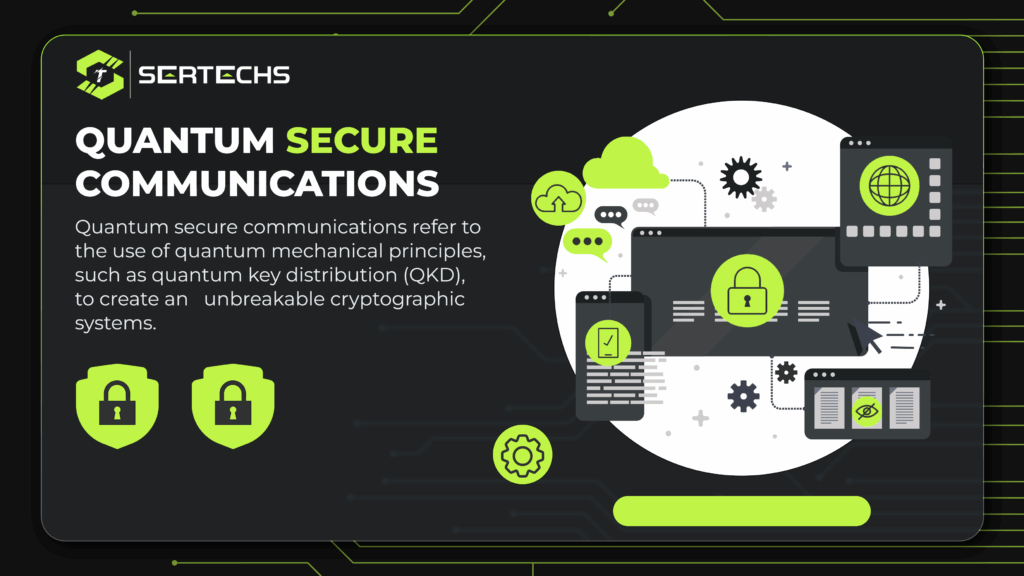
Quantum-Secure Communications, also known as Quantum-Safe or Quantum-Resistant Communications, refers to the use of cryptographic algorithms and communication protocols that remain secure even in the presence of powerful quantum computers. Quantum computers, once fully developed, could potentially break many of the current cryptographic algorithms that are widely used to secure communication and data. Quantum-Secure Communications aim to develop and deploy cryptographic algorithms that are resistant to attacks from quantum computers. Here are some approaches and solutions: Post-Quantum Cryptography (PQC): Post-Quantum Cryptography refers to cryptographic algorithms that are believed to be secure against quantum attacks. These algorithms are being developed to replace or supplement existing cryptographic methods. Examples include lattice-based cryptography, hash-based cryptography, code-based cryptography, and multivariate cryptography. Lattice-Based Cryptography: Lattice-based cryptography relies on the hardness of certain problems in lattice theory. Algorithms based on lattice problems are considered promising for post-quantum cryptography due to their perceived resistance to quantum attacks. Quantum Key Distribution (QKD): Quantum Key Distribution is a secure communication method that uses quantum properties to secure a communication channel. QKD allows the sharing of encryption keys with absolute security. Symmetric Key Algorithms with Longer Keys: Increasing the key sizes of symmetric encryption algorithms can enhance security against quantum attacks. Longer key sizes increase the computational requirements for an attacker to break the encryption. Code-Based Cryptography: Code-based cryptography is based on the hardness of decoding a linear code, which is believed to be secure against quantum attacks. It’s considered a post-quantum cryptographic solution. Hash-Based Signatures: Hash-based signatures use cryptographic hash functions and are believed to be resistant to quantum attacks. These signatures are being considered as an alternative to traditional digital signatures. Implementation of Quantum-Secure Protocols: Implementing communication protocols that are inherently secure against quantum attacks is essential. For instance, protocols such as the Quantum-Secure Direct Communication (QSDC) protocol aim to provide secure communication. The development and deployment of quantum-secure communications are critical to ensuring the security and privacy of sensitive information in a future where quantum computers might pose a threat to current cryptographic standards. Research and collaboration among cryptographers, mathematicians, physicists, and computer scientists are vital in achieving this goal.
Web Programming Languages
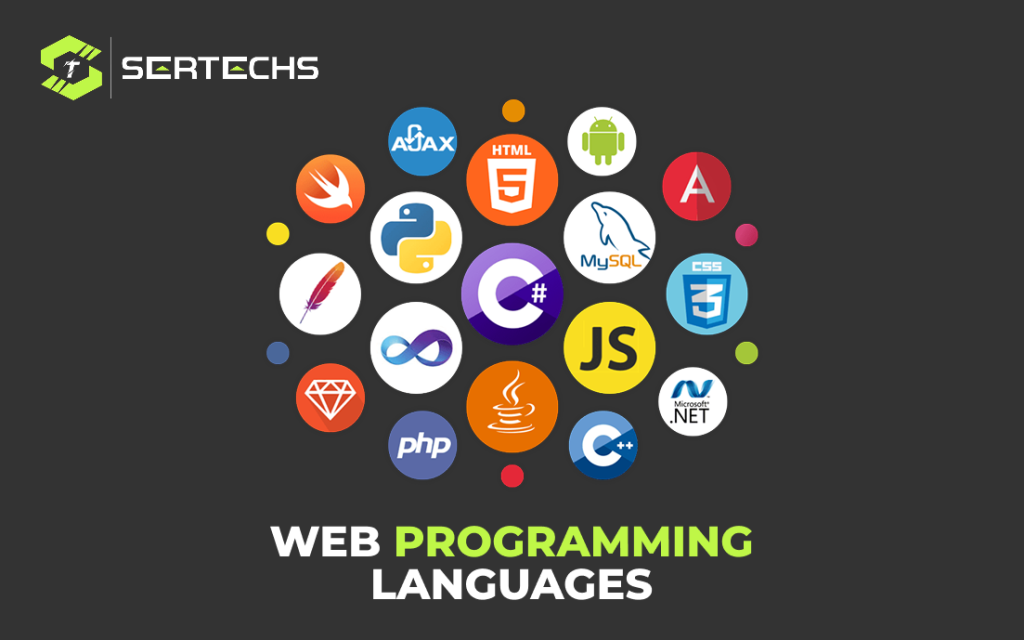
Web development involves using various programming languages to create and manage websites. Different languages are used for different purposes in different layers of web development. Some Web Programming languages: HTML (HyperText Markup Language): HTML is the standard markup language used to create the structure and content of web pages. It defines the elements and layout of a webpage, such as headings, paragraphs, images, links, and more. CSS (Cascading Style Sheets): CSS is used for styling and layout of HTML elements. It controls the appearance of a webpage, including colors, fonts, spacing, and positioning of elements. JavaScript: JavaScript is a versatile programming language used for enhancing interactivity and functionality on the client-side. It enables dynamic content, form validation, animations. Python: Python is a versatile and widely used programming language. In web development, it’s used with frameworks like Django and Flask for backend development. React.js: A popular JavaScript library for building user interfaces, maintained by Facebook. It’s widely used for building interactive web applications. PHP: PHP (Hypertext Preprocessor) is a server-side scripting language primarily used for backend development. It’s often used with frameworks like Laravel, Symfony, and CodeIgniter. TypeScript: TypeScript is a superset of JavaScript that adds optional static typing. It enhances the development experience, especially for larger and more complex applications. Sass (Syntactically Awesome Stylesheets) and LESS: CSS preprocessors that enhance CSS by adding variables, nesting, and functions, making stylesheets more maintainable and organized. REST API (Representational State Transfer Application Programming Interface) Languages: Not a specific language, but a set of architectural principles used to create APIs. Languages like PHP, Python, Java, and Node.js are commonly used to build RESTful APIs. Understanding and using these languages, frameworks, and technologies are essential for web developers to create functional, visually appealing and web applications. The choice of language often depends on the project requirements, scalability needs, and the developer’s familiarity with a particular language.
Enterprise Resource Planning
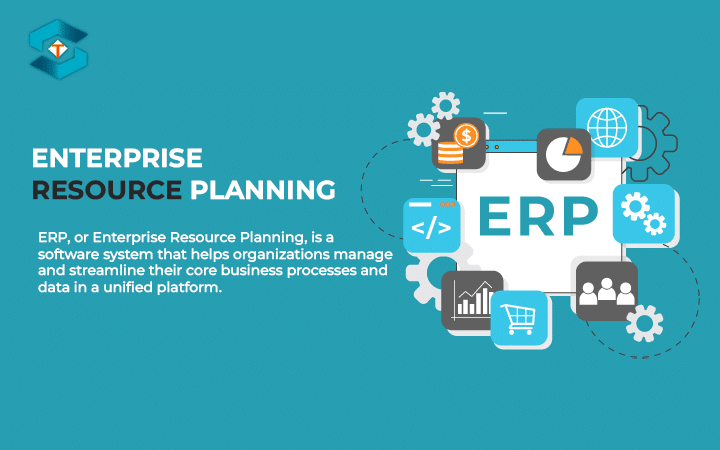
ERP, or Enterprise Resource Planning, is a type of business software used by organizations to manage and integrate various aspects of their operations. Such as planning, manufacturing, sales, marketing, finance, human resources, and more, into a centralized system. The primary goal of an ERP system is to improve efficiency, and enhance decision-making by providing a real-time view of the organization’s data and operations. Key features and components of Enterprise Resource Planning systems include: Centralized Database: An ERP system utilizes a centralized database that serves as a single source of truth for all data and transactions within the organization. Modules or Functional Areas: ERP systems consist of various modules or functional areas tailored to specific business operations. Common modules include finance, human resources, manufacturing, sales, marketing, and customer relationship management (CRM). Integration: ERP integrates different business processes and functions across the organization, ensuring seamless flow of information and coordination between various departments. Real-Time Data Access and Reporting: ERP systems provide real-time data access and reporting capabilities to make informed decisions based on up-to-date information. Customization and Configuration: ERP systems are often configurable to meet the specific needs and workflows of an organization. Customization allows for tailoring the system to align with unique business requirements. Security and Access Control: ERP systems employ security measures to protect sensitive data and restrict access based on roles and responsibilities, ensuring data privacy and compliance. Supply Chain Management (SCM): ERP often includes SCM modules to manage the flow of materials, information, and finances as they move from supplier to manufacturer to wholesaler to retailer to consumer. Customer Relationship Management (CRM): CRM modules within ERP systems assist in managing customer interactions, sales pipelines, marketing campaigns, and customer service. Implementing an ERP system involves careful planning, customization, and change management to ensure successful integration within an organization. ERP solutions can significantly enhance operational efficiency, reduce costs, and drive organizational growth.